
What Is ERP Integration? A Beginner’s Guide for Manufacturing & Distribution
What Is ERP Integration? A Beginner’s Guide for Manufacturing & Distribution
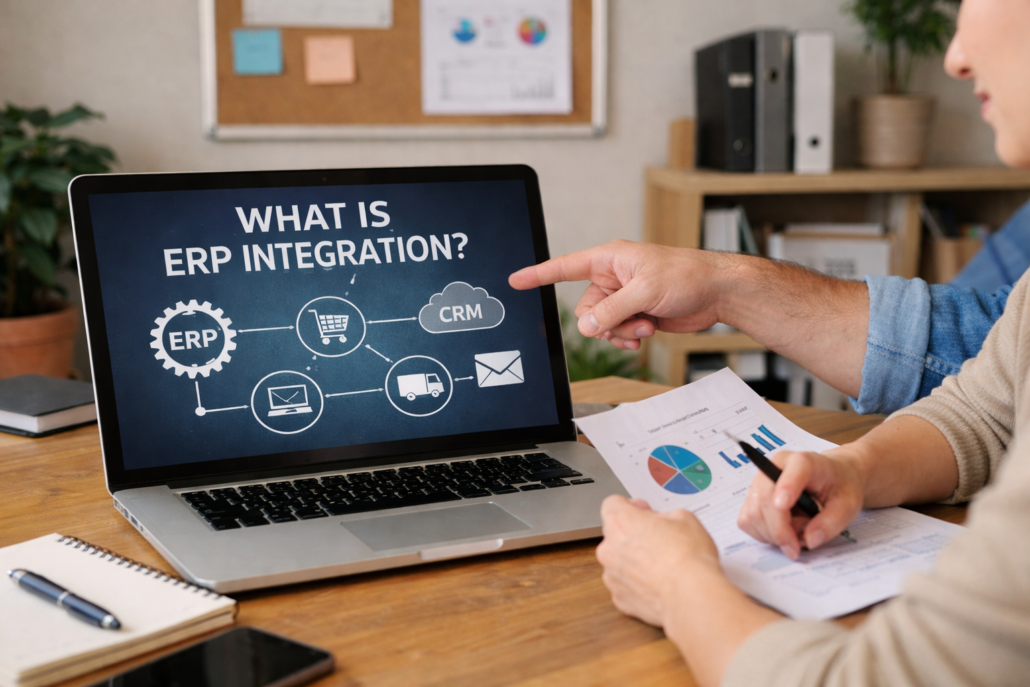
What is ERP integration? It is the process of connecting your ERP system with other business applications so data can move automatically between systems.
Manufacturing and distribution companies rely on many software systems to run their operations—ERP, CRM, eCommerce platforms, shipping software, warehouse tools, accounting systems, and more.
When these systems operate in silos, teams are forced to manually re-enter data, reconcile spreadsheets, and work around errors.
Integrated ERP systems solve this problem by connecting your ERP system with other business applications so data flows automatically and accurately between them.
In this guide, we’ll explain what ERP integration is, how it works, and why it’s critical for growing manufacturers and distributors.
What Is ERP Integration?
ERP integration is the process of connecting an Enterprise Resource Planning (ERP) system with other software applications so they can exchange data in real time or on a scheduled basis.
Instead of users entering the same information into multiple systems, integrations automatically move data between applications.
Examples include:
-
Sending online orders from an eCommerce site into ERP
-
Syncing customer records between CRM and ERP
-
Pulling tracking numbers from shipping software into ERP
-
Updating inventory levels across systems
The result is a connected technology ecosystem that supports your entire business.
Why ERP Integration Matters
Disconnected systems create hidden costs.
Without integrations, companies often experience:
-
Duplicate data entry
-
Data inconsistencies
-
Processing delays
-
Higher error rates
-
Limited visibility
ERP integrations eliminate these issues by creating a single source of truth.
Key benefits include:
-
Faster order processing
-
Improved data accuracy
-
Better customer experience
-
Increased productivity
-
Scalable operations
For manufacturers and distributors handling high transaction volumes, these improvements can be transformative.
How ERP Integrations Work
Most ERP integrations use APIs (Application Programming Interfaces) or middleware platforms to exchange data.
At a high level, the process looks like this:
-
A transaction occurs in System A (for example, a customer places an online order)
-
Integration logic maps the data fields
-
Data is validated and transformed
-
The transaction is created or updated in ERP
This process can happen in seconds and without user involvement.
Common Types of ERP Integrations
CRM & ERP Integration
Synchronizes customer, contact, quote, and order data between sales and operations.
Benefits:
-
Sales teams see order status
-
Finance sees accurate customer data
-
Operations receives clean orders
eCommerce & ERP Integration
Connects online stores with ERP.
Benefits:
-
Orders flow automatically into ERP
-
Inventory stays synchronized
-
Pricing updates are consistent
Shipping & Logistics Integration
Connects shipping platforms to ERP.
Benefits:
-
Automatic label creation
-
Tracking numbers posted to orders
-
Faster fulfillment
Warehouse & Barcode Scanning Integration
Connects warehouse systems with ERP.
Benefits:
-
Real-time inventory updates
-
Faster picking and packing
-
Reduced errors
EDI Integration
Automates electronic document exchange with trading partners.
Benefits:
-
Faster partner communication
-
Fewer manual steps
ERP Integration vs. Automation
Connecting ERP systems moves data between systems.
Automation uses that data to trigger actions.
Example:
-
Integration sends an order into ERP
-
Automation automatically creates a pick list, sends confirmation, and schedules shipment
When combined, integrations and automation deliver maximum efficiency.
Signs Your Company Needs ERP Integration
You may need ERP integration if:
-
Teams re-enter the same data in multiple systems
-
Orders are delayed due to manual processing
-
Inventory is frequently inaccurate
-
Reports require spreadsheet manipulation
-
Growth is limited by operational bottlenecks
Best Practices for Successful ERP Integration
-
Start with clear business goals
-
Document current processes
-
Clean your data
-
Choose scalable integration methods
-
Test thoroughly
-
Plan for monitoring and support
How Support One Helps with ERP Integrations
Support One designs, implements, and supports ERP integrations for manufacturing and distribution companies.
We focus on:
-
Practical, ROI-driven integrations
-
Secure and scalable architecture
-
Long-term support
Learn more about our ERP Integration Services on our Integrations Pillar Page:
👉 https://supportone.us/integration-pillar/
Get Started
If you’re ready to eliminate manual work and connect your systems, contact Support One to discuss your integration needs.

